
Run the workflow
behind every gallery.
Studio OS App gives photographers a fast desktop workspace for capture, Projects, sorting, production control, and live sync to Studio OS Cloud galleries and ordering.
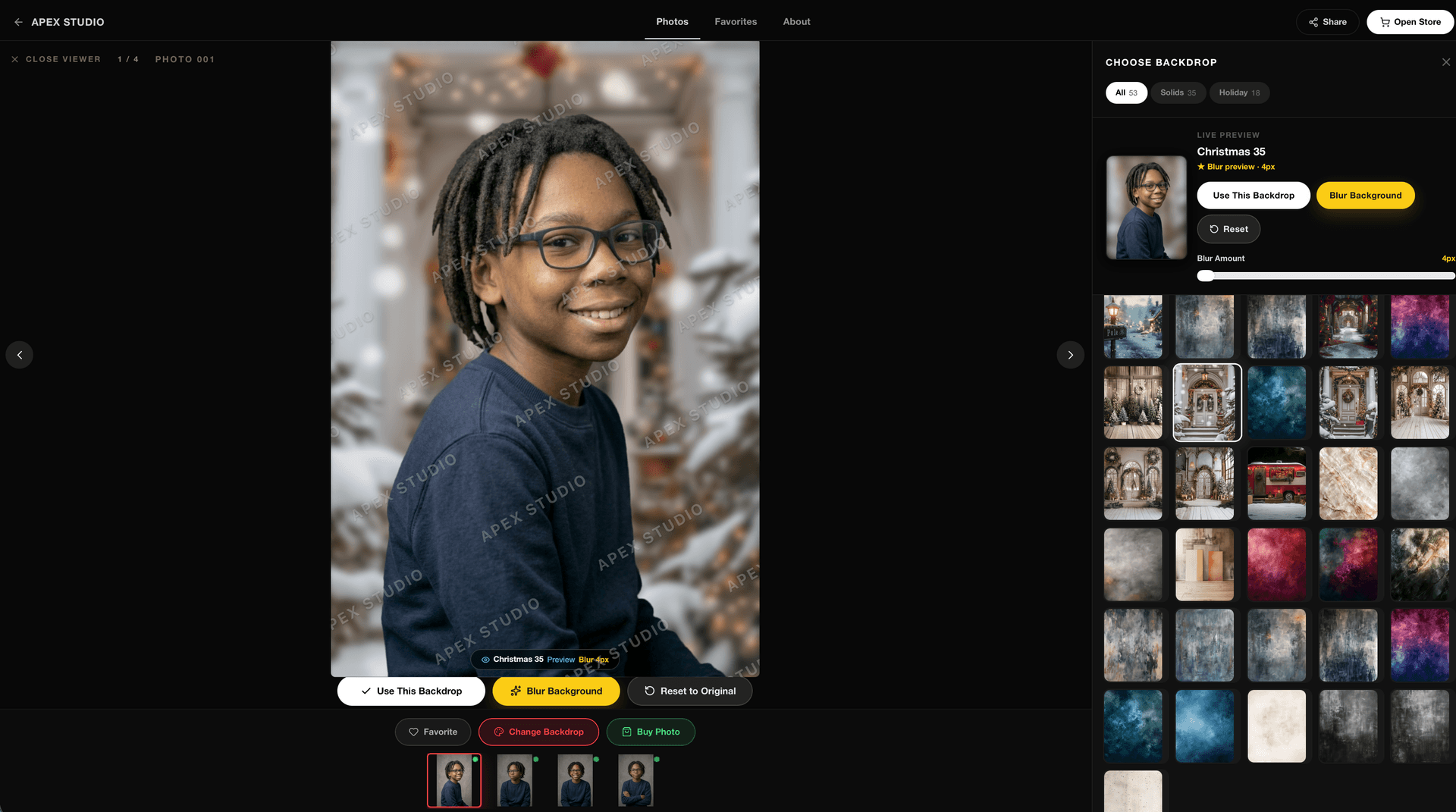
Turn backgrounds
into profit.
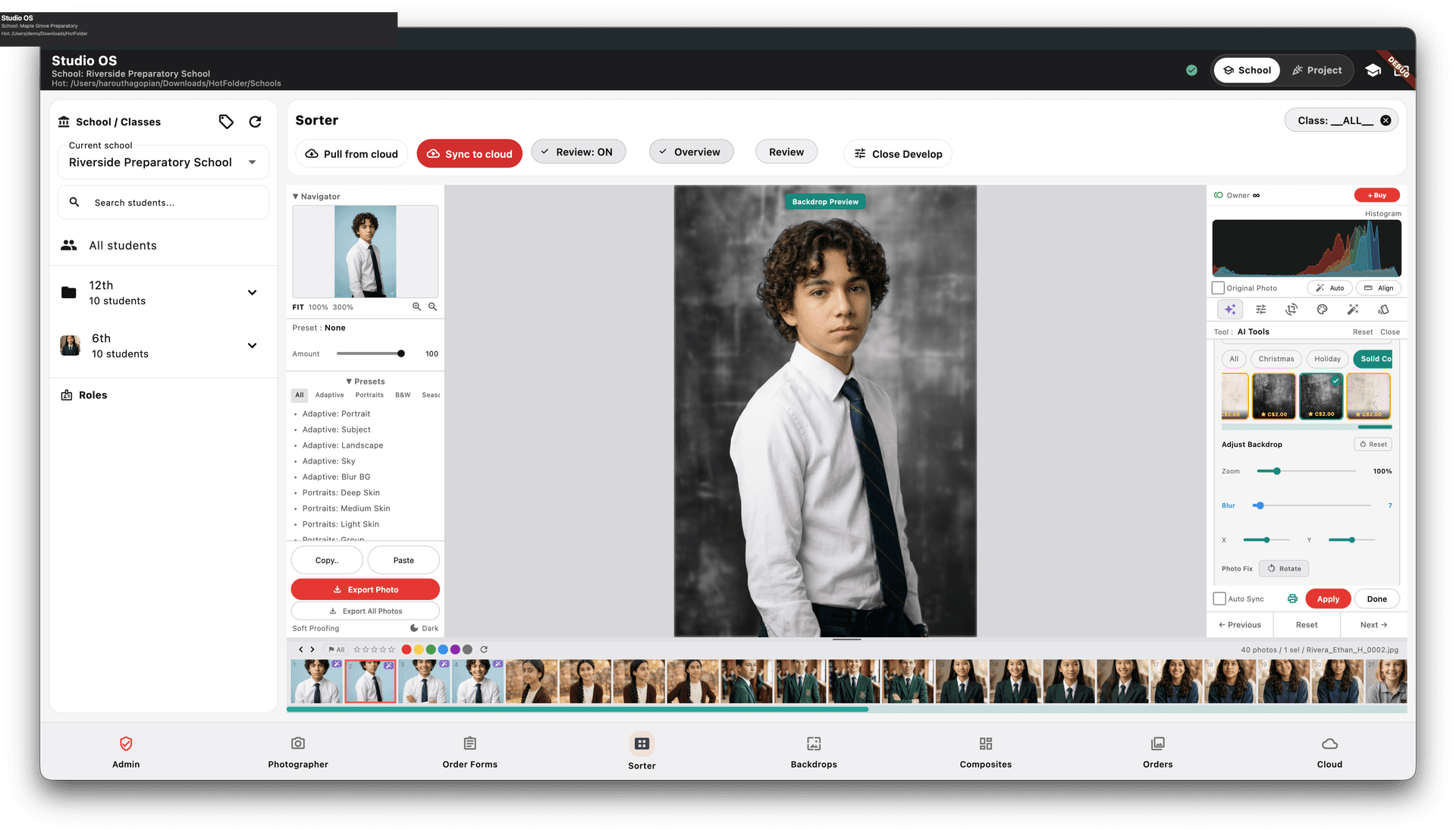
Offer clean, professional backdrop upgrades without slowing down your workflow. No green screen required, and every upgrade becomes revenue you keep.

Capture without
slowing down.
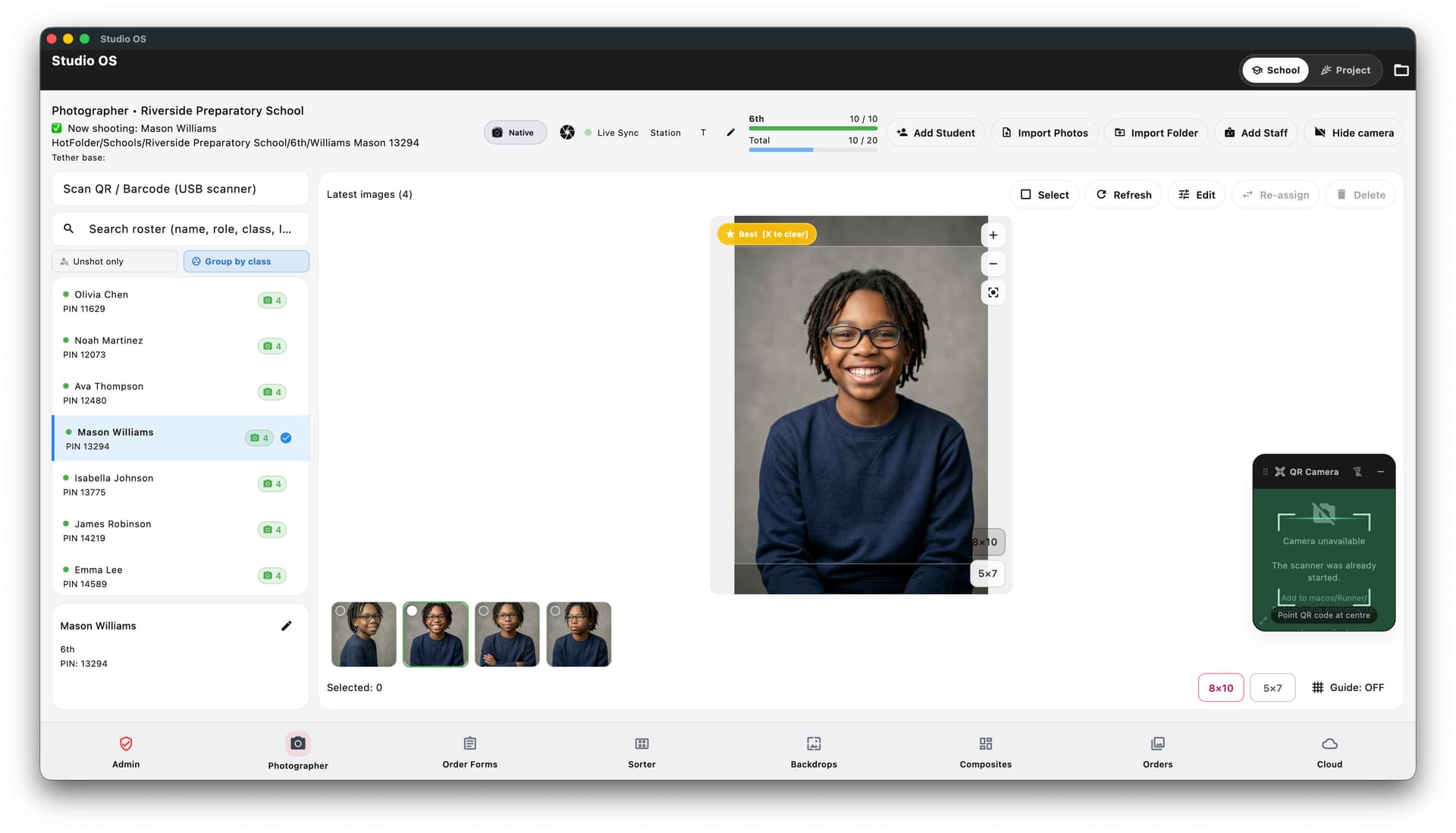
Keep fast, structured workflows moving. Scan before you shoot when the job needs it, confirm who's in frame, and keep every session organized without fixing avoidable mistakes later.
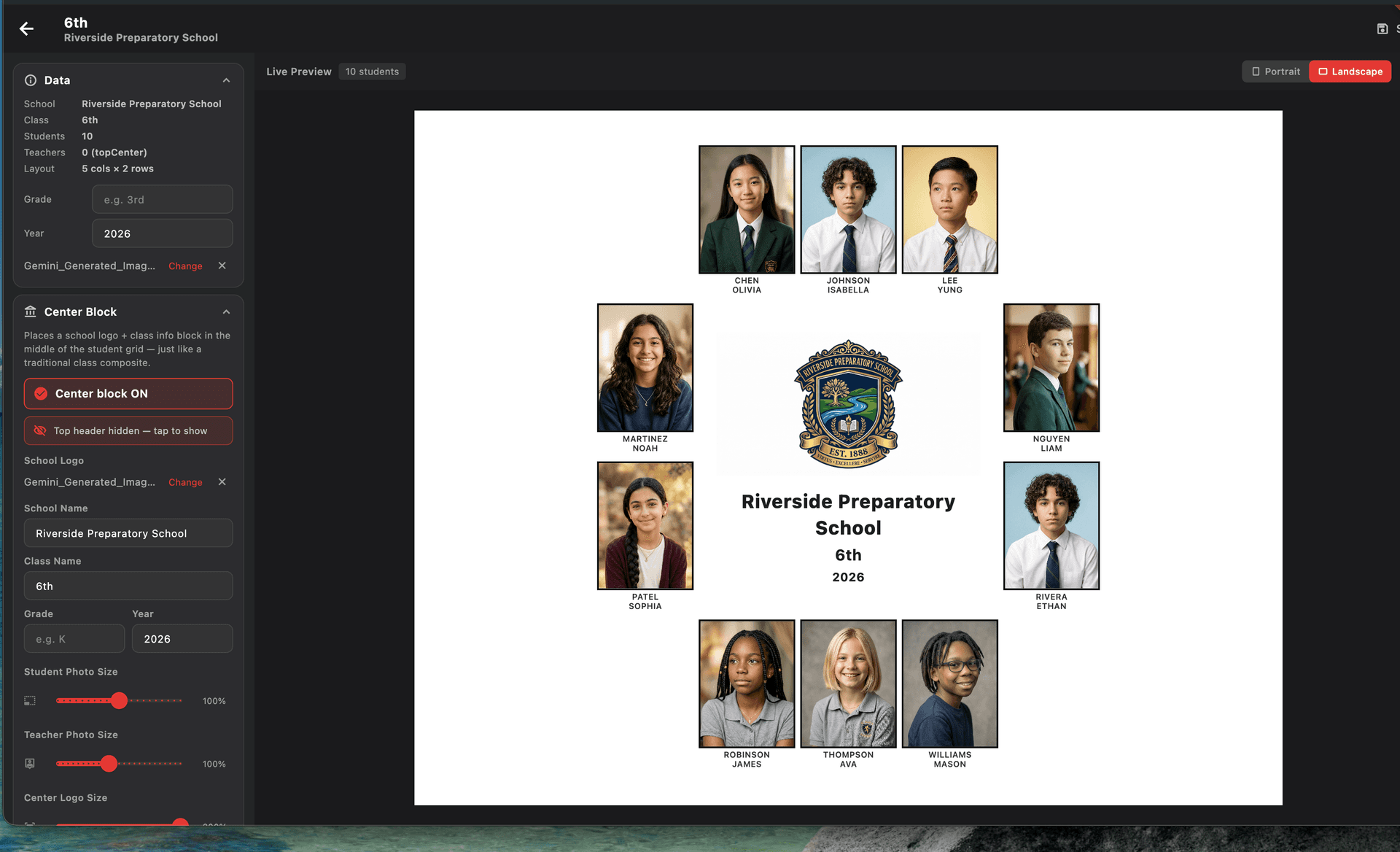
Professional composites.
Done in one click.
Stop spending hours building class composites manually. Studio OS builds them for you. AI handles head sizing and alignment, you add your branding, and each composite gets assigned to the right class automatically with its own pricing.
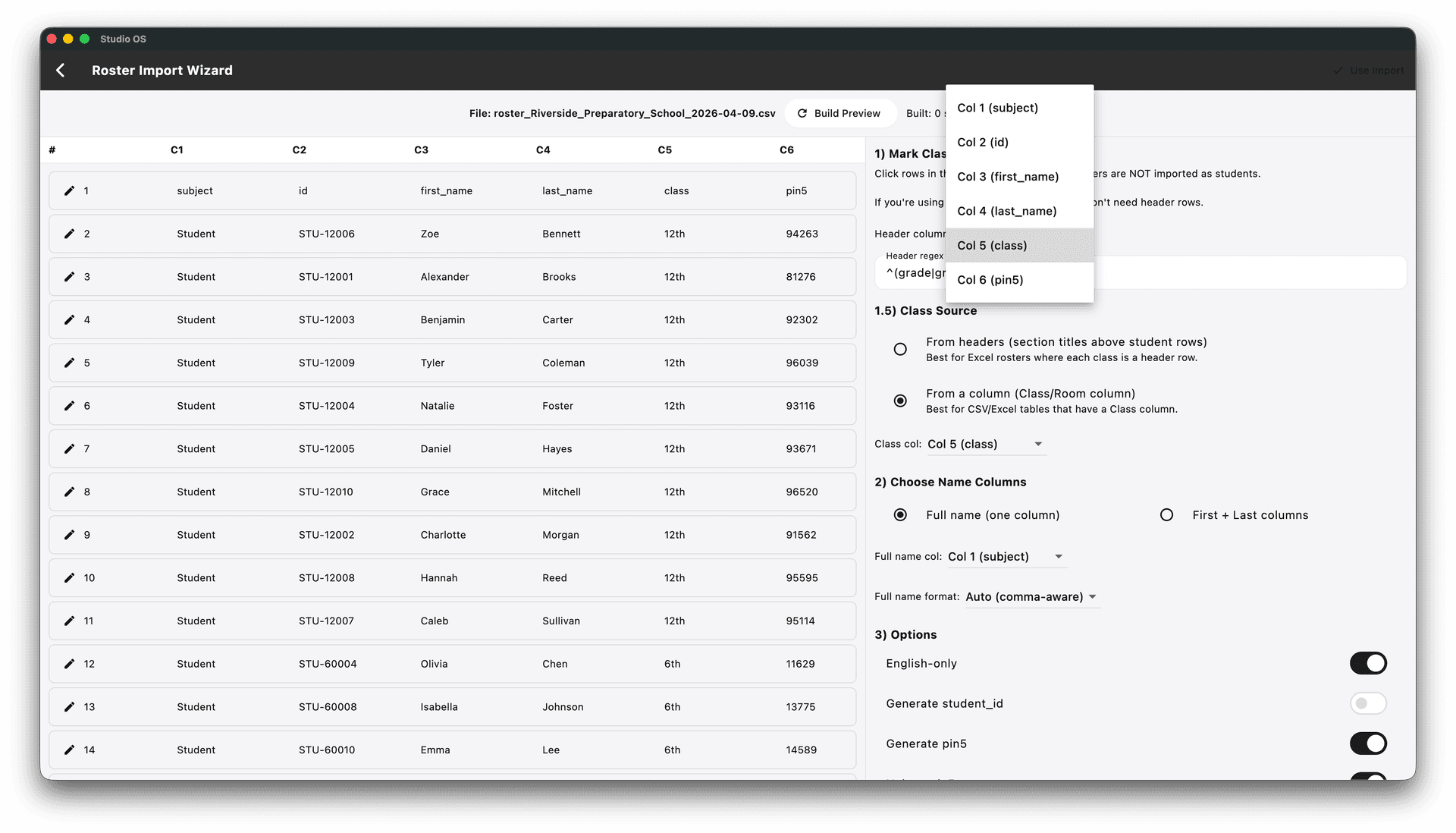
Roster in.
Photo day ready.
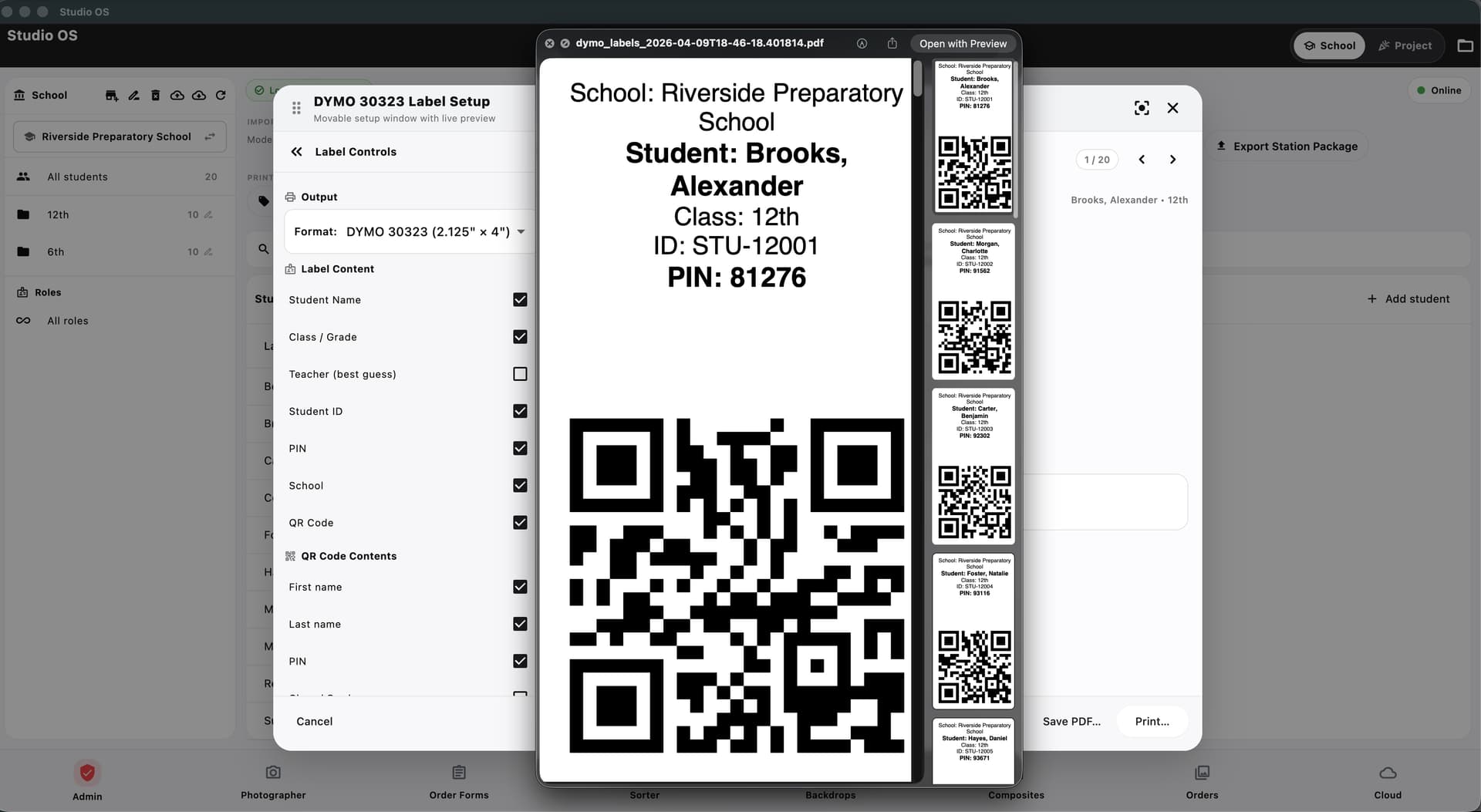
Upload your school spreadsheet and Studio OS handles the rest with student IDs, PINs, and QR codes generated automatically.No extra software needed. What used to take hours takes minutes.
Prepare orders
with confidence.
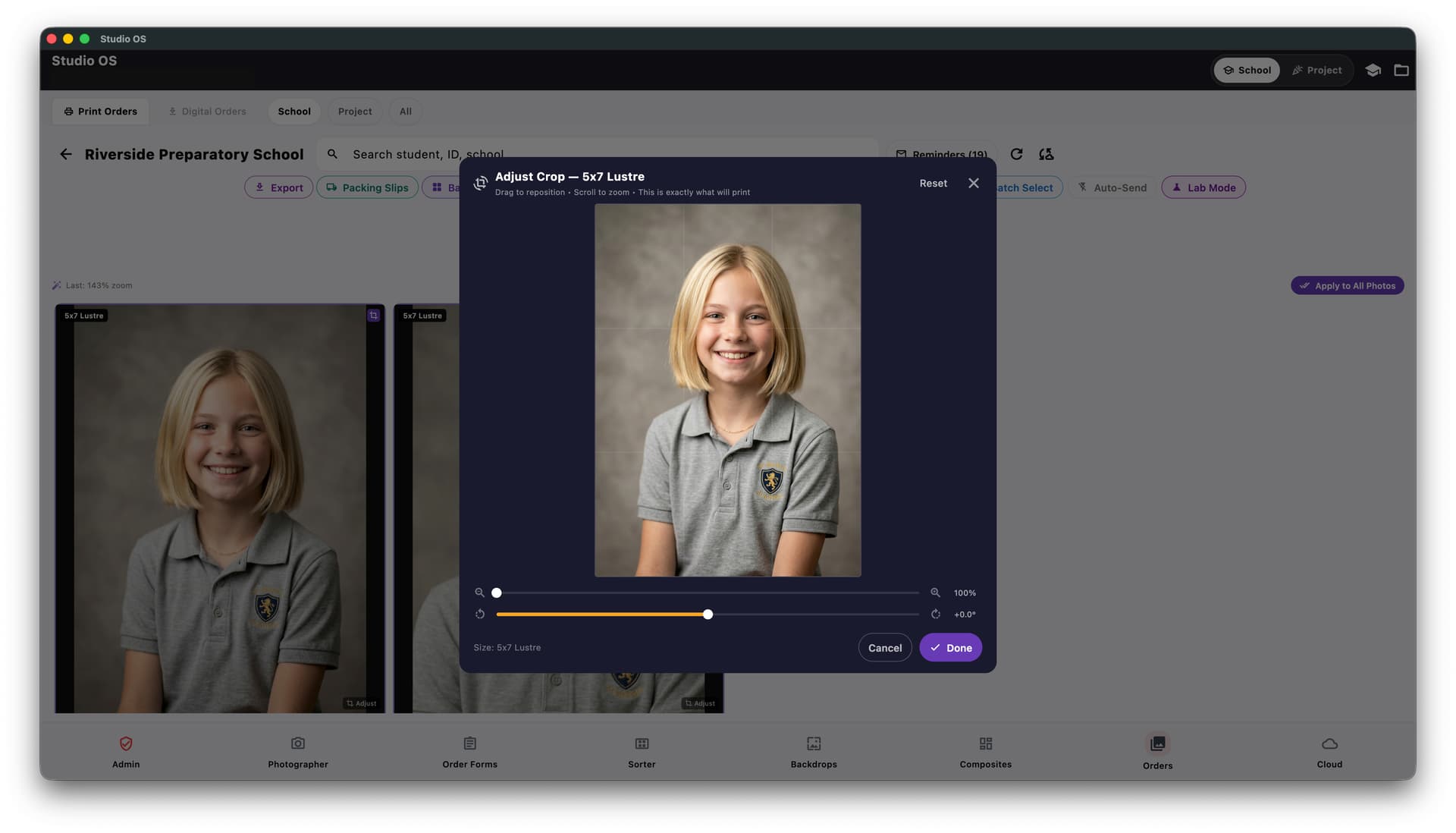
Every photo matched to the right student automatically. Review before production, with no surprises and no reprints.
One connected workflow.
Any shoot type.
Switch between School and Event mode in one tap. The same connected workflow can support portraits, sports, graduations, and other structured jobs without rebuilding your process.
Desktop workflow.
Online delivery.
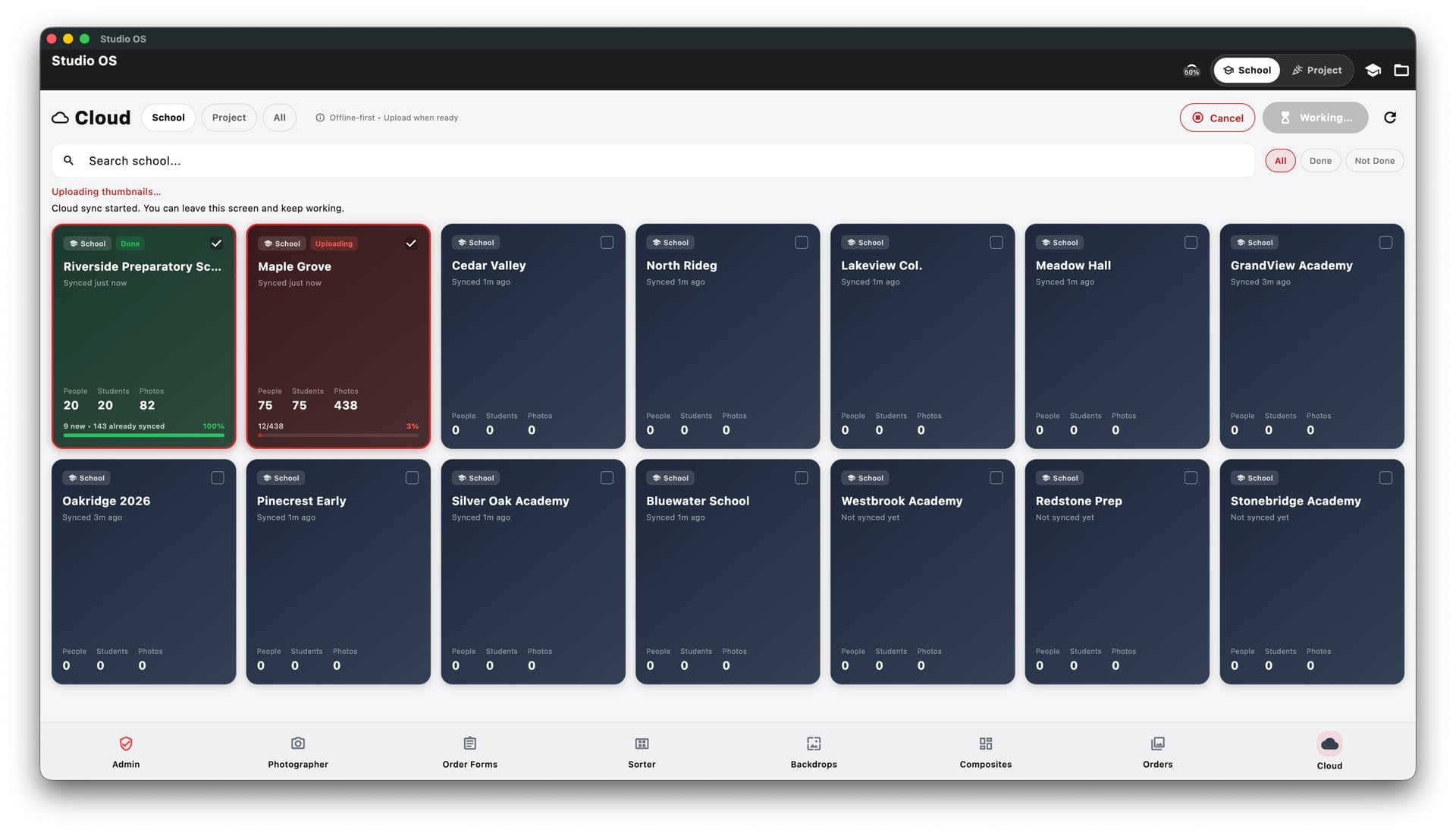
Your Studio OS desktop connects directly to online galleries, parent ordering, and final delivery. Every job syncs live, parents and clients get their own access link without you lifting a finger.
Stop juggling tools.
Start running your business.
One connected system for every shoot, from the first capture to branded gallery delivery.